



Photoweb Cloud Transfer — The quiet companion for your backups.
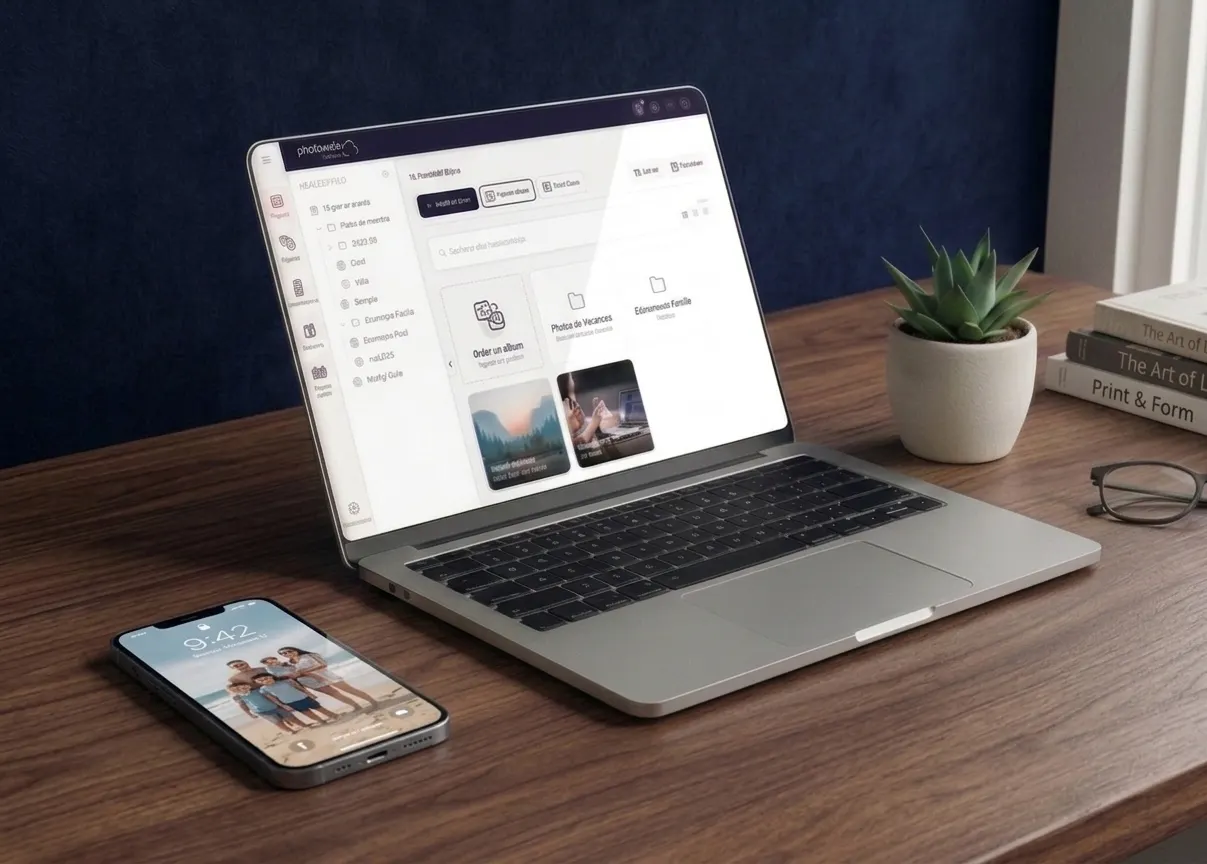
The app that automatically syncs your photos and videos from your computer to your Photoweb Cloud space. Set it up once, and it works on its own, in the background.
Free — Windows and macOS
Back up your memories without thinking about it.
Photoweb Cloud Transfer is a quiet but effective companion, dedicated to managing transfers between your computer and your Cloud space. It performs regular backups, automatically, without you having to come back to it.

Automatic backup
Choose the folders to watch: any new photo added there is immediately uploaded to your Cloud space.

Right-click import
Select a folder or file on your computer, right-click, start the import. Photoweb Cloud Transfer takes care of the rest.

Batch download
Get your entire Cloud albums back onto your computer in a few clicks, even very large volumes over 1 GB.

Light and secure
The app stays in the background, uses few resources and sends your encrypted files to our French servers.
Designed to make your life easier.
You take photos, you film, you import your memory cards — your files land in a folder on your computer. With Photoweb Cloud Transfer, they're instantly protected online, without you having to open the browser.
- Backup of photos imported from a camera or SD card
- Automatic protection of the "My Pictures" folder on your PC or Mac
- Sync of photo projects (wedding, trip, event)
- Full download of a Cloud album, without using the browser
 Download the app
Available free for all Photoweb Cloud subscribers, including the free 5 GB plan.
For Windows
Compatible with Windows 10 and 11. Installer file: PhotowebCloud_inst.exe
If Windows shows a security warning, click "More info" then "Run anyway". The app is signed by Photoweb.
For macOS
Compatible with macOS 12 (Monterey) and later. Installer file: PhotowebCloud.Mac.pkg
After installation, restarting your computer is recommended so all features are fully operational.

Hosted in France
Your files travel to our servers in Isère, operated by our French teams.

Works in the background
Once set up, the app runs quietly. You forget it's there, your photos are protected.

Always up to date
Updates install themselves. You automatically get new features and security fixes.
Frequently asked questions
Do I have to install Photoweb Cloud Transfer?
Is the app free?
Does the app use a lot of resources?
Are my photos really secure during transfer?
What happens to Joomeo Transfer for existing subscribers?
A worry-free backup, without thinking about it.
Install Photoweb Cloud Transfer in a few minutes, then let it watch over your memories.